
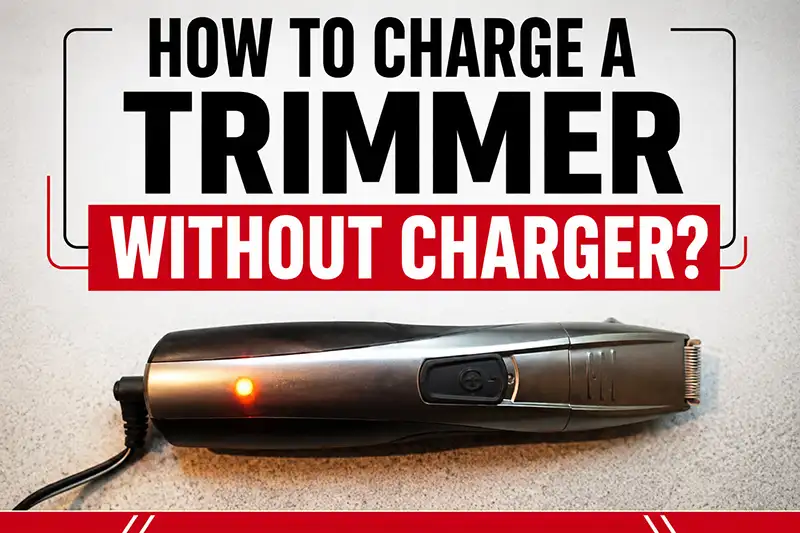
Trimmers are handy when you travel or crash at a friend’s place. But whether your trimmer is corded or cordless, it’s easy to forget the charger. A few simple tricks might help when you don’t have it with you. So how do you charge a trimmer without its charger?
Trimmers stay useful on the go, yet chargers are easy to leave behind. When that happens, there are some workarounds you can try. The question is: how to charge a trimmer without a charger?
Not having the original charger for a beard trimmer can be really frustrating. Finding the right replacement isn’t always simple, and even a new charger might not work. If the trimmer won’t charge, it helps to know a few manual options you can try.
Running into charger problems is annoying but common. A bought replacement may still fail, so learning how to power the trimmer without its original charger can save time and stress.
Table of Contents
How to Charge a Trimmer Without Charger: Methods of charging the battery

If you have another charger that matches your trimmer port:
If you have another charger (not the original trimmer charger) and the charging port matches your trimmer, you can charge with it. Just check the charger volt and your trimmer volt before. Charging time will be depending on the Amp of the charger.
If you have other chargers that do not match your trimmer port:
Luckily, there are some simple methods you can follow to charge your trimmer without the original charger.
Related: Best beard and body hair trimmers
Method 1:
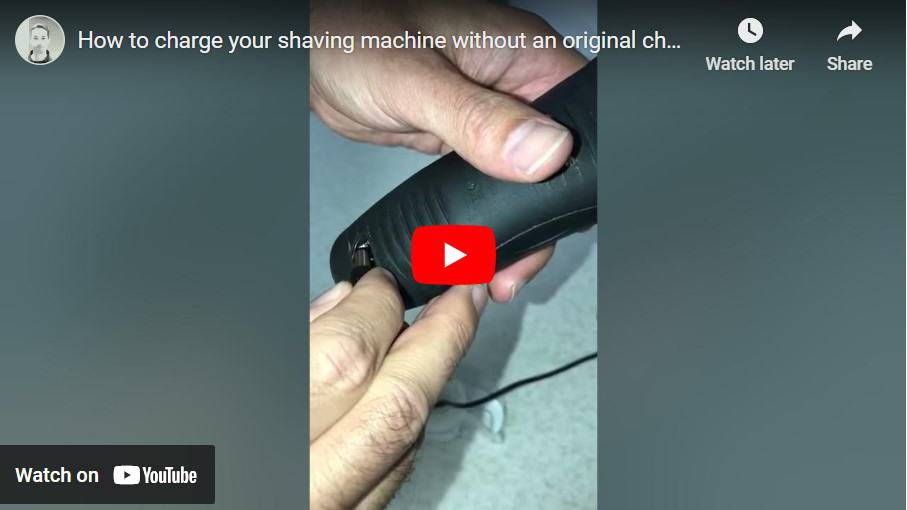
Follow the instructions below, it will take you 10-15 minutes to charge the trimmer manually.
Method 2:
How to make your own trimmer charger from a mobile phone charger?
You can make a temporary charger with an old mobile phone charger. We need a 4-5 Volt DC supply for our trimmer. Generally, mobile chargers supply 3.7 -5 Volt DC supply which fits our required range.
Follow the steps below:

- Get a working mobile charger,
- Remove its connecting pin and plastic coating to connect.
- Now get an empty ball pen refill
- Make pin by cutting two pieces of half-inch from used pen refill
- Insert the shove portion into each piece of refill and make it stick with tape.
- Insert each refill piece into the trimmer side connector.
- And finally, you get your trimmer charger.

If You Have the USB Cable But Not The Charger
One way to charge your trimmer without a charger is by using a USB cable. Most modern trimmers have a USB port that allows you to charge them. Here’s how to do it:
- Find a USB cable that is compatible with your trimmer. Check the manufacturer’s instructions for the type of USB cable to use.
- Connect one end of the USB cable to the trimmer’s USB port and the other end to a power source such as a laptop, desktop computer, or USB wall adapter.
- Once the trimmer is connected to the power source, it should start charging. Wait until it is fully charged before using it again.
While charging your trimmer with a USB cable is convenient, there are some precautions you should take:
- Make sure the power source you are using is reliable and has a stable power supply. Unstable power supply may damage your trimmer’s battery or even the device itself.
- Never leave your trimmer unattended while charging.
- Do not use a USB cable that is frayed or damaged, as it may cause an electrical short.
Using a Power Bank
Another method for charging your trimmer without a charger is by using a power bank. A power bank is a portable battery that you can use to charge your electronic devices. Here’s how to charge your trimmer with a power bank:
- Connect the power bank to your trimmer’s USB port using a compatible USB cable.
- Turn on the power bank.
- Wait for the trimmer to fully charge before using it again.
When using a power bank to charge your trimmer, make sure to take the following precautions:
- Use a power bank that is compatible with your trimmer’s power requirements. Check the manufacturer’s instructions for the recommended power bank capacity.
- Do not use a damaged or swollen power bank as it may be a safety hazard.
- Always use the power bank in a well-ventilated area to prevent overheating.
Using a Laptop
If you don’t have a charger or a power bank, you can still charge your trimmer using your laptop. Here’s how:
- Connect your trimmer to your laptop’s USB port using a compatible USB cable.
- Make sure your laptop is connected to a power source to ensure a steady power supply.
- Wait for the trimmer to fully charge before using it again.
When using a laptop to charge your trimmer, be sure to take the following precautions:
- Use a USB cable that is compatible with your trimmer and laptop.
- Do not use a laptop with a damaged USB port or power supply.
- Never leave your trimmer unattended while charging.
Precautions to Take When Charging a Trimmer Without a Charger
When charging your trimmer without a charger, it is essential to take the necessary precautions to avoid damage to the device or harm to yourself. Here are some precautions to keep in mind:
- Always use a compatible USB cable, power bank, or laptop to charge your trimmer.
- Do not use damaged or frayed cables or power banks.
- Avoid charging your trimmer in wet or damp environments.
- Never leave your trimmer unattended while charging.
- Do not charge your trimmer near flammable objects.
FAQs:
Q: Can I charge my trimmer without a charger?
A: Yes, you can charge your trimmer without a charger using alternative methods described in this page; such as a USB cable, power bank, or laptop.
Q: How do I charge my trimmer with a USB cable?
A: To charge your trimmer with a USB cable, connect one end of the cable to your trimmer’s USB port and the other end to a power source such as a laptop, desktop computer, or USB wall adapter.
How to make your own trimmer charger from a mobile phone charger?
You can make a temporary charger with an old mobile phone charger. We need a 4-5 Volt DC supply for our trimmer. Generally, mobile chargers supply 3.7 -5 Volt DC supply which fits our required range.
Is it safe to charge a hair trimmer without the original charger?
Most of the trimmers use a 5V current. Trimmers have an inbuilt circuit board that regulates all things like charging, motor, led light. This circuit board has a feature to intake a specific volt supply to the battery, which means it is tuned to take a specific Amp current of specific voltage.
If your trimmer chipset can flow current of 1Amp to the battery, it will take only up to 1Amp current; whatever you use 2Amp or 3Amp charger, the board will supply only 1Amp to the battery.
So need not worry, just use any charger of 5V. This will not damage your trimmer. Generally, People prefer 5V 1A Charger, but nowadays 1A charger is not available easily so you can use a 2A charger.
Where can I find a replacement charger for my trimmer?
You can find a replacement charger and brush for your trimmer online. Please compare the charging line interface before purchasing.
This power adapter is designed for Men’s SOLO shavers. The package comes with one free brush and a USB cable.
Can I charge my electric razors’ Li ion battery from USB?
Lithium ion battery is usually charged by a specific charger controller IC. Which tracks the charging current, battery voltage, temperature, and so on.
It all depends on where the charging controller is located. If it is in the device, you can avoid it by feeding it with a voltage other than 4.2, if it is in a charger, you need to make yourself a proper lithium ion charger.
How to know if Philips trimmer is fully charged?
Your device’s charging indicator will start flashing to indicate that the trimmer is charging. Once it is fully charged, the charging indicator lights up continuously for about 30 minutes and then shuts off automatically to save battery power.
*Reference from Philips website.
Last Note:
A common snag with trimmers is running out of battery when you don’t have the charger. Knowing a few safe ways to power yours can help it last longer. Treating the tool well usually pays off over time.
There are a few options you can try — a USB cable, a power bank, or a laptop USB port are the most handy. These may work for many trimmers, but they won’t fit every model. Check the plug and, if you can, the voltage before you try. If something feels wrong, stop and don’t force it.
Use only compatible power sources. Avoid frayed cables and beat-up power banks. A damaged cable can harm the trimmer or cause a short. If you’re unsure about a replacement, it’s safer to buy a proper charger from the maker or an approved supplier.
Follow the manufacturer’s instructions when you can, and handle electronics with care. If this guide helped, share it with friends and drop a comment below with your questions or tips. Happy trimming — and may your battery last through the trip!